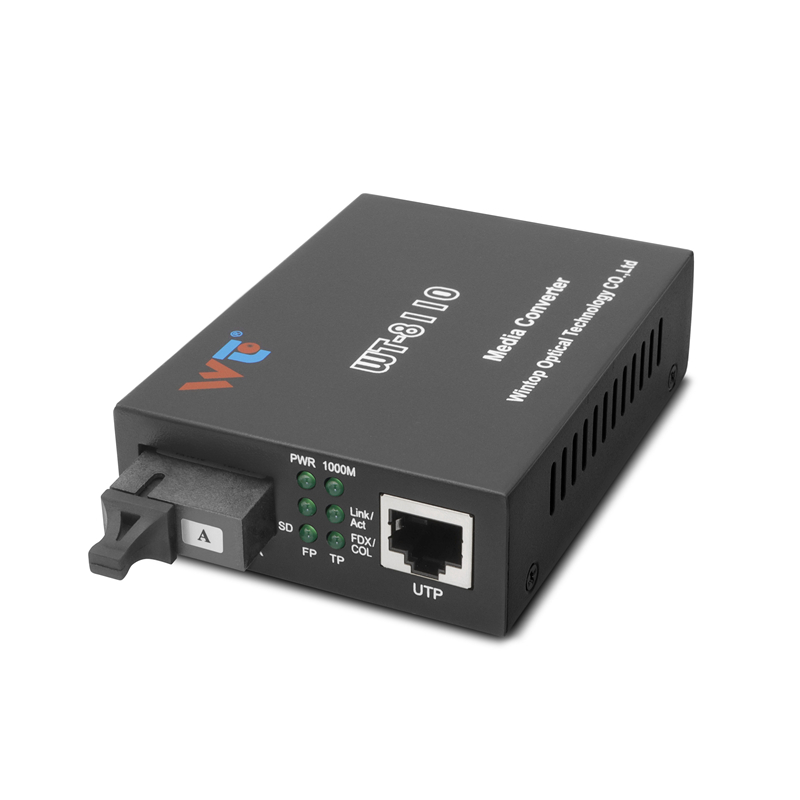
Comparing PoE fibre media converters with standard Ethernet media converters is a useful exercise for anyone wiring up a small office, café, or a council site in Auckland — installers there have favoured PoE for remote CCTV and AP runs. Start with the right gear: a gigabit fiber media converter or a 1g media converter will often be the physical hinge between copper Ethernet and fibre backhaul, so pick according to power needs, SFP compatibility and budget.
What each converter actually does
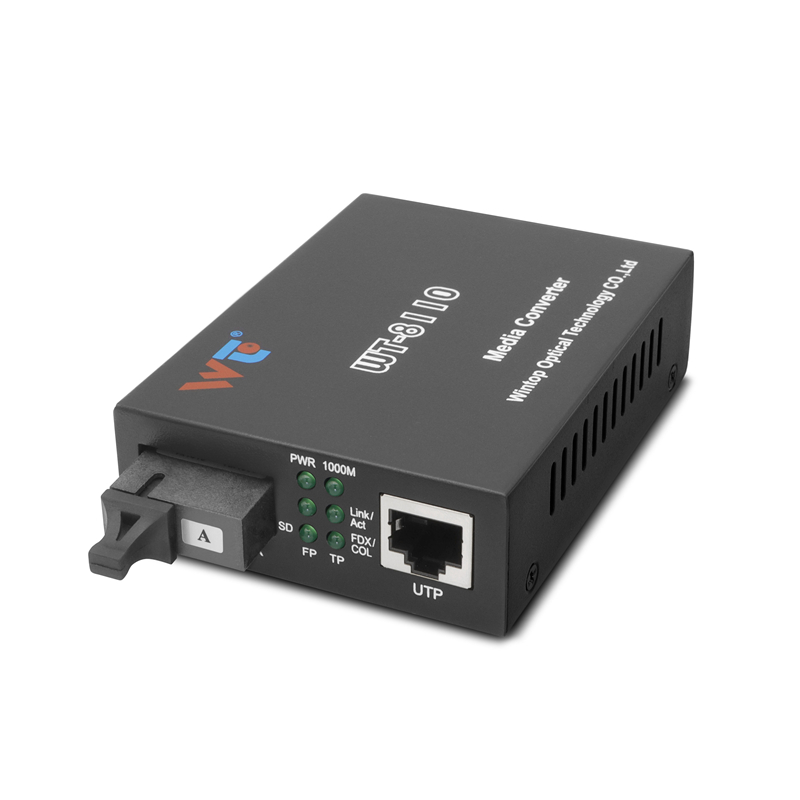
A standard Ethernet media converter simply translates between copper Ethernet and optical fibre links at gigabit speeds, keeping the data plane intact. A PoE fibre media converter does the same but also injects Power over Ethernet to feed remote devices — access points, IP cameras, VoIP phones — so you get both power and data over the copper leg. Key terms to keep handy: PoE, SFP modules, duplex, and gigabit switching behaviour.
Where PoE fibre wins
PoE fibre converters remove the need for local power at the device end. That’s gold for ceiling APs and pole-mounted cameras where running AC would be a right chore. They reduce hardware clutter, simplify fault tracing and speed up installs. If you’re running fibre trunks from a comms room into risers, a PoE-enabled media converter at the riser gives you a tidy single-point solution for power budgeting and link diagnostics.
Where standard Ethernet converter holds ground
Standard converters are cheaper, simpler and often more resilient for pure data links. If your devices already have local power or you’re connecting switches that supply PoE themselves, a plain 1G media converter keeps latency low and avoids extra PoE management. For long-haul passive fibre runs where power isn’t required, the plain converter keeps costs down and the setup straightforward.
Real-world deployments and common mistakes
In practice, installers in the field mix and match. A fibre trunk runs into a building, a gigabit media converter hands off to a PoE switch for interior APs, while non-powered endpoints stay on plain converters. Common missteps: wrong SFP choice, overlooking power budget when chaining PoE devices, and forgetting to check link duplex and MTU settings. — Double-check the SFP compatibility list, and map the power draw per port before committing.
How to choose: quick decision checklist
Use this checklist to pick between PoE and standard converters:- Confirm device power needs and total PoE budget.- Verify SFP type and wavelength for your fibre span.- Consider future growth: will more APs or cameras be added?- Factor physical access: can you supply AC locally or not?- Assess budget vs. management needs (PoE monitoring vs simple pass-through).
Three golden rules for evaluation
1) Measure the power budget: calculate total wattage for all powered devices plus 20% headroom. 2) Match optics exactly: pick SFPs with the correct fibre mode and reach so you avoid wavelength mismatch and link flapping. 3) Prioritise manageable diagnostics: choose converters that report link status, PoE draw and alarms if you expect remote trouble-shooting. These metrics give a clear, measurable way to compare models and predict uptime.

For practical kit that lines up with those rules, models available through WINTOP often balance sensible pricing with the right feature set — they make the choice less fiddly and more dependable. Solid picks make installs quicker and maintenance easier. — Worth the check.
Choose smart, plan for power and optics, and your network will behave.